I'm going to be honest with you, when I first put these two mice next to each other, I did a double take. Same shape, same low-profile silhouette, both wireless, both lightweight. One costs $45. One costs $160. And that gap had me asking the same question you're probably asking right now.
So let's see what you're paying for.
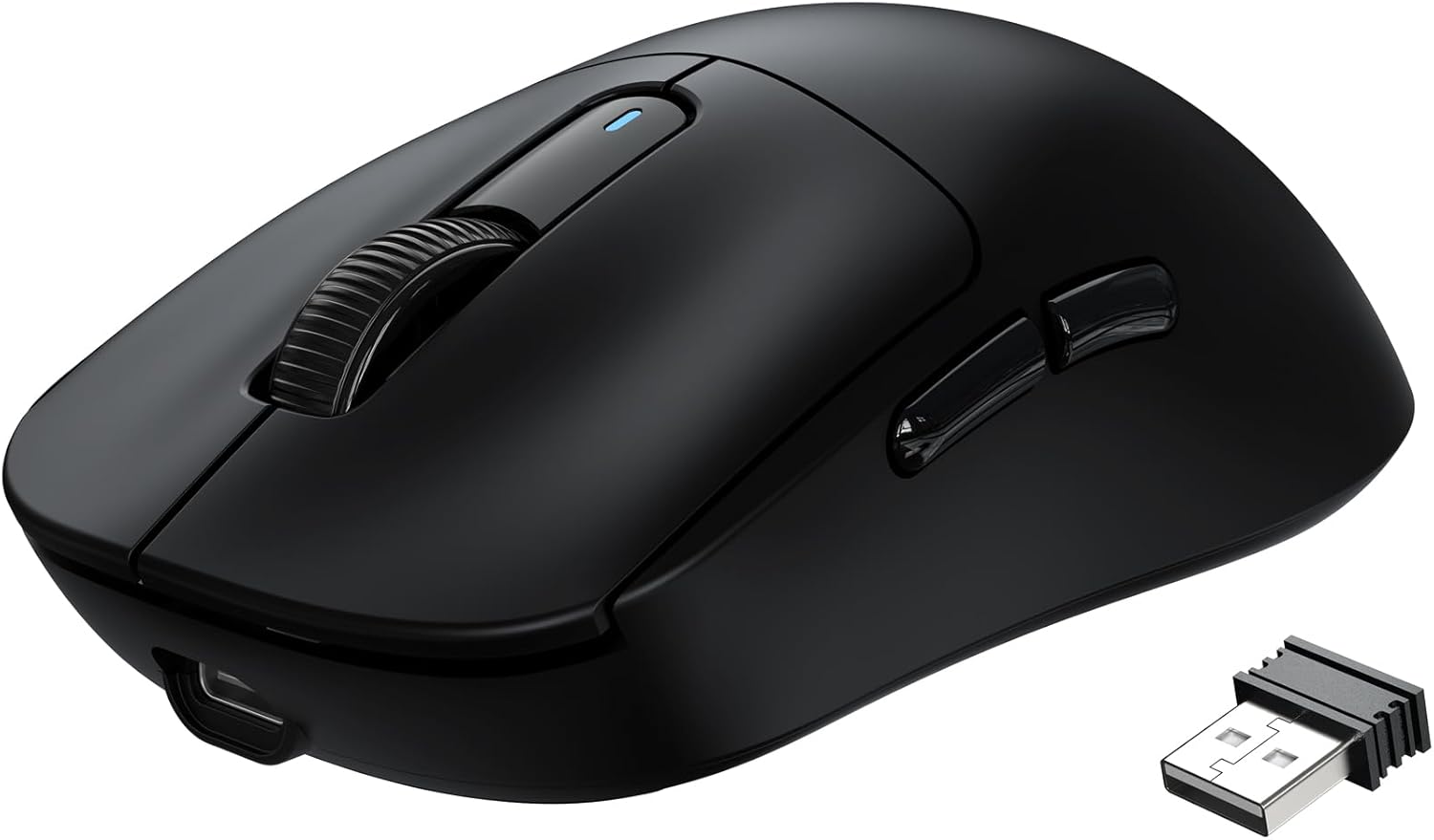
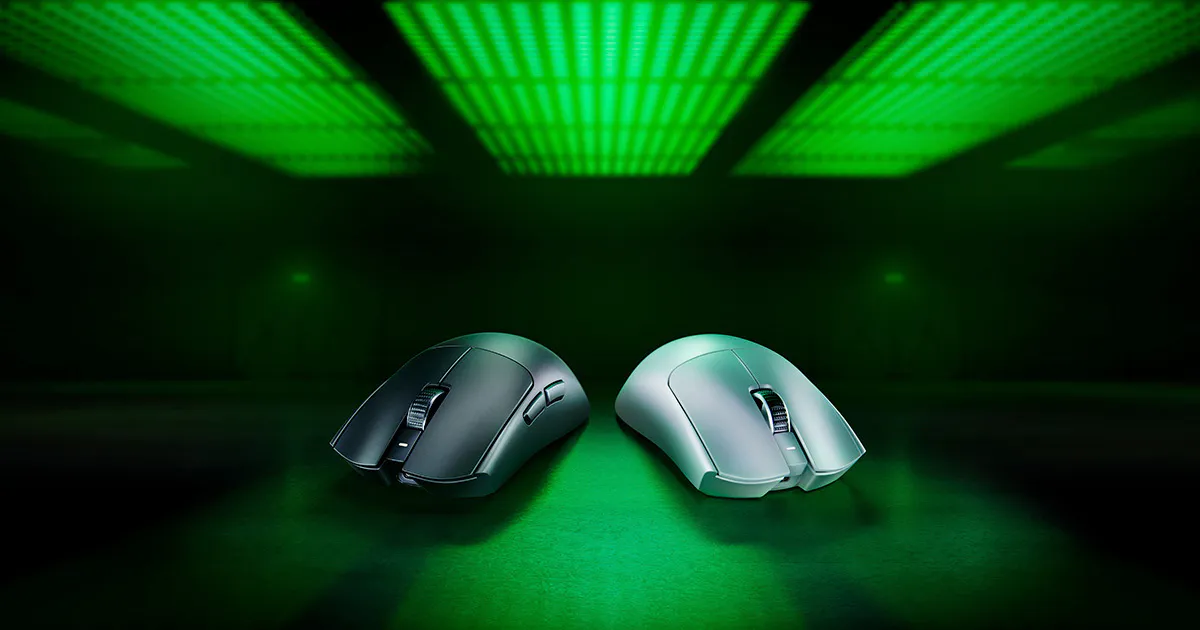
The Specs at a Glance
| Attack Shark X3 | Razer Viper V3 Pro | |
|---|---|---|
| Price | ~$45 | ~$160 |
| Weight | 49g | 54g |
| Sensor | PixArt PAW3395 (26K DPI) | Razer Focus Pro 35K Gen-2 |
| Polling Rate | 1000 Hz | 8000 Hz |
| Switches | Kailh GM8.0 (80M clicks) | Optical Gen-3 (90M clicks) |
| Battery Life | 200 hours | 95 hours |
| Connectivity | Bluetooth + 2.4GHz + Wired | 2.4GHz + Wired |
The Sensor: Does It Actually Matter?
The X3 runs a PixArt PAW3395. The Viper V3 Pro runs Razer's Focus Pro 35K Gen-2. On paper, the Razer sensor is "better" with higher max DPI, faster tracking speed, more G-force handling.
Here's what nobody tells you: both sensors are flawless. Unless you're a professional CS2 or Valorant player (or play another fps game) competing at a high level, you will not feel the difference in everyday gaming or a productivity setup. The PAW3395 has been the benchmark sensor for budget and mid-range mice for a reason. It punches well above its price class and doesn't miss.
The sensor is not a reason to spend an extra $115.
The 8000 Hz Polling Rate: Real Advantage or Marketing?
The Viper V3 Pro supports up to 8000 Hz polling with Razer's HyperPolling dongle. The X3 tops out at 1000 Hz.
What that means in plain English: polling rate is how often your mouse reports its position to your PC. At 1000 Hz, that's 1000 times per second. At 8000 Hz, it's 8000 times per second. The gap between them is 0.125ms vs 0.0125ms.
If you have a 240Hz+ monitor, a PC that can actually push those framerates, and you're playing at the level where that gap is noticeable, then it matters. For everyone else, 1000 Hz is already faster than your monitor can display. You are not leaving performance on the table with the X3.
The Switches: Optical vs Mechanical
Mechanical switches have a traditional tactile click feel: familiar, satisfying, what most people are used to. Optical switches use a light beam instead of physical contact, which means theoretically faster actuation and no debounce delay. Some people love the crisp, slightly lighter feel of optical switches. Others find them too sensitive or miss the tactile feedback of a mechanical click.
This comes down to personal preference, not objective performance. It's a real difference, but not a clear winner. I myself prefer the mechanical click of a mouse but that is just my own bias showing.
The Software Situation
Razer Synapse is one of the most polished peripheral software suites in the game. DPI profiles, button remapping, macros, RGB lighting control, it's all there and it works well.
The X3 has its own software: functional, web-based, does what you need. It's not bad. But if you're already deep in the Razer ecosystem with a Razer keyboard or headset, Synapse consolidating everything in one place has real value. If you're starting fresh or not brand-loyal, this probably doesn't move the needle.
So Who Should Actually Buy Each One?
Buy the Attack Shark X3 if:
- You want flagship sensor performance without flagship pricing
- You're building your first serious setup and want to keep budget for other gear
- Battery life matters to you and 200 hours is hard to argue with
- You need Bluetooth alongside 2.4GHz (the Razer doesn't have it)
- You use a standard 144Hz or 165Hz monitor
Buy the Razer Viper V3 Pro if:
- You have a 240Hz+ monitor and a PC that can push real framerates
- Build quality and premium feel are non-negotiable for you
- You're already in the Razer ecosystem and Synapse integration matters
- You want optical switches specifically
- You compete seriously in FPS games where every edge counts
The Verdict
The Attack Shark X3 is one of the best-value gaming mice on the market right now. For most setups, including most battlestations, it does 90% of what the Viper V3 Pro does at less than 30% of the price. The sensor is legitimate, the wireless is solid, and the battery life makes the Razer look embarrassing by comparison.
If you are staying under $50 either way, I put the X3 head to head against the VXE R1 Pro as well, and I wrote a full Attack Shark X3 review if you want the deep dive.
The Razer Viper V3 Pro is not overpriced for what it is. It's a genuinely excellent mouse. But most of what you're paying for is build quality, brand, optical switches, and a polling rate advantage that only a specific type of player will actually feel.
Know which one you are before you spend the money.
As an Amazon Associate I earn from qualifying purchases at no extra cost to you.