If you have been shopping for a budget wireless gaming mouse in the last year, you have run into these two names. The Attack Shark X3 and the VXE R1 Pro are the mice Reddit keeps recommending when someone asks how to get flagship performance without spending $150. I already compared the X3 against the Razer Viper V3 Pro, and the short version of that post was that the X3 gets you shockingly close for a fraction of the price. So the natural next question is this one: if you are keeping your budget under $50, which of these two budget kings do you actually buy?
Here is the honest starting point. These mice are more alike than any two mice I have ever compared. Same sensor. Same weight class. Similar price. This is not a David vs Goliath matchup like the Viper comparison. This is two Davids, and the winner comes down to three specific differences that most spec sheets bury.
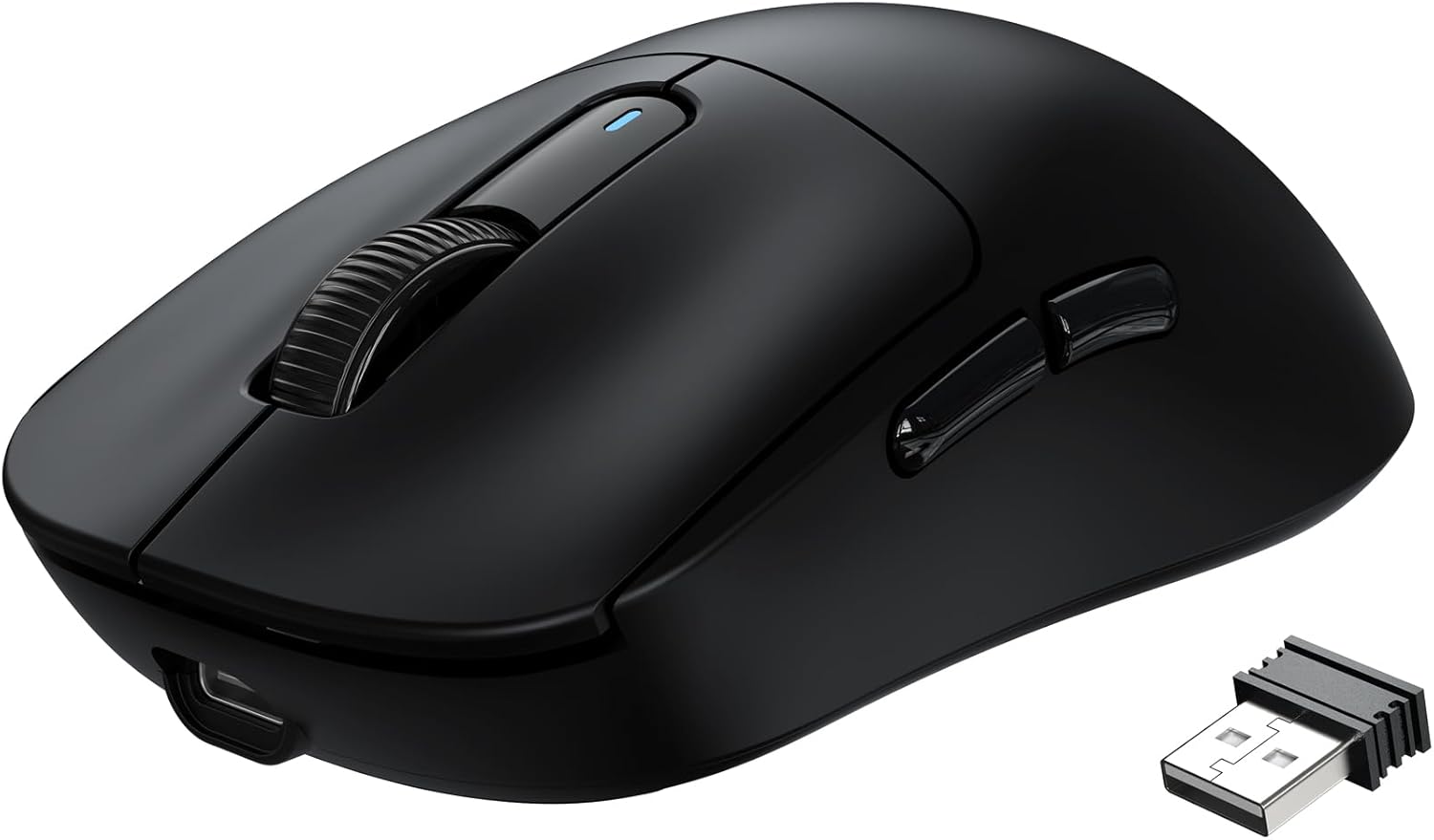
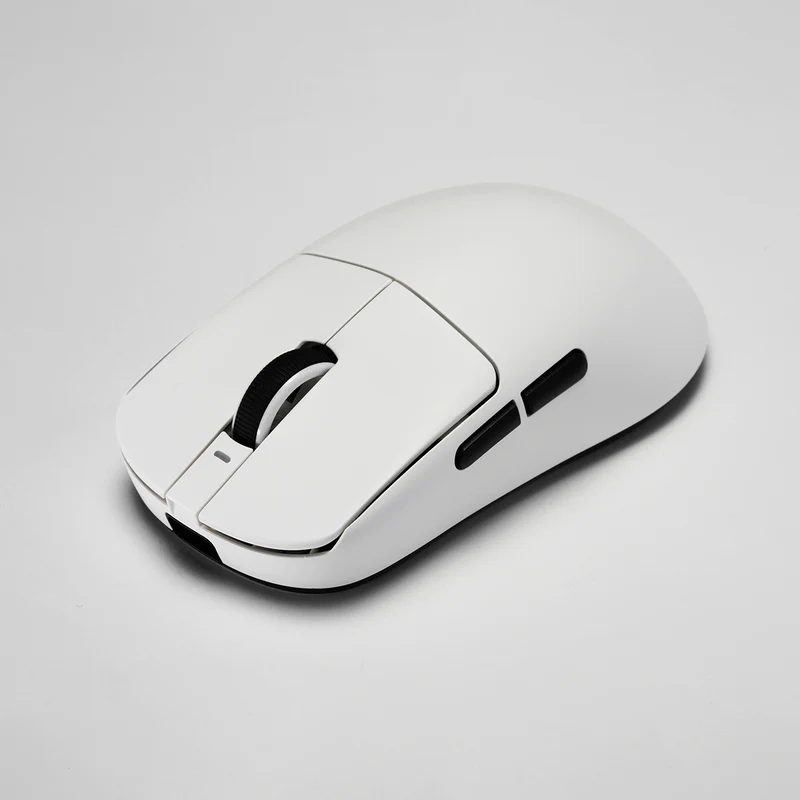
The Specs at a Glance
| Attack Shark X3 | VXE R1 Pro | |
|---|---|---|
| Price | ~$30 | ~$40 to $50 |
| Weight | 49g | 48g |
| Sensor | PixArt PAW3395 (26K DPI) | PixArt PAW3395 (26K DPI) |
| Polling Rate | 1000 Hz | 1000 Hz stock, 4000 Hz with separate dongle |
| Switches | Kailh GM8.0 (80M clicks) | Huano |
| Battery Life | 200 hours | 75 hours |
| Connectivity | Bluetooth + 2.4GHz + Wired | 2.4GHz + Wired |
The Sensor: A Genuine Tie
Both mice run the PixArt PAW3395. This is the same flagship sensor family you find in mice costing three or four times as much, and it is the single biggest reason the budget mouse market got interesting. 26,000 DPI, 650 IPS tracking speed, no smoothing, no acceleration weirdness. In actual gameplay, whether that is ranked FPS matches or hours of clicking through menus, neither mouse gives up anything to the other here.
I want to be clear about what that means for your decision: nothing. Do not pick between these two based on tracking performance. Anyone telling you one of these sensors feels faster is describing placebo. The differences that matter are everywhere else.
Battery Life: The X3 Runs Away With It
This is the first real gap. The Attack Shark X3 is rated for up to 200 hours on a single charge. The VXE R1 Pro is rated for up to 75 hours. Real world numbers land lower for both, as they always do, but the ratio holds. You are looking at charging the R1 Pro roughly two to three times as often.
Is 75 hours bad? No. That is over a week of heavy use, and plenty of reviewers report going two or three weeks between charges with lighter use. But 200 hours means the X3 is the mouse you charge once and genuinely forget about. If you are the kind of person who hates cable interruptions, or you just know yourself and know you will never remember to charge a mouse, this category alone might make your decision.
Connectivity: Only One of These Has Bluetooth
The second gap, and the one that surprised me when I first compared spec sheets. The X3 is a true tri-mode mouse: 2.4GHz wireless for gaming, Bluetooth 5.2 for a laptop or tablet, and wired USB-C when you want zero battery anxiety. The R1 Pro drops Bluetooth entirely. It is 2.4GHz and wired only.
For a dedicated gaming desktop, this does not matter at all. You will live on the 2.4GHz dongle and never think about it. But if this mouse is pulling double duty, following you from a gaming PC to a work laptop, or pairing to a second device without dongle swapping, the X3 is the only one of the two that can do it. As someone who works and games at the same desk, I consider Bluetooth on a budget mouse a quietly huge feature.
The R1 Pro's Trump Card: The 4K Upgrade Path
So why does anyone buy the R1 Pro? This is why. The X3 tops out at 1000Hz polling. The R1 Pro ships at 1000Hz too, but it supports up to 4000Hz polling if you buy VXE's 4K dongle separately, which usually runs about $15 to $20.
Quick reality check on what polling rate actually does: it is how many times per second the mouse reports its position to your PC. 1000Hz means once every millisecond, and for most people on most monitors that is plenty. Higher polling starts to matter when you are running a high refresh display, 240Hz and up, and you play twitchy competitive shooters where you want motion to feel as connected as possible. If that is you, the R1 Pro is the only mouse in this matchup with a road to get there. The X3 has no equivalent option.
The R1 Pro also runs a Nordic 52840 chip, which is the same class of wireless controller found in far more expensive mice, and its web based configuration software means you can tweak DPI, debounce, and lift off distance from a browser without installing anything. Small thing, but I genuinely appreciate not adding another startup program to my PC.
Shape, Clicks, and Feel
Both are symmetrical, lightweight shapes in the same size range, but they do not feel identical in hand. The X3 has a slightly taller hump and fills a palm grip a bit more. The R1 Pro sits lower and flatter, which claw and fingertip players tend to prefer. Neither is wrong. If you have a mouse you love right now, compare its dimensions to these and let your grip style break the tie.
On clicks, the X3 uses Kailh GM 8.0 switches rated for 80 million clicks, and they have a crisp, slightly heavier feel. The R1 Pro uses Huano switches that click a little lighter and louder. Both ship with PTFE feet and glide well out of the box, and both include grip tape in the box, which is a nice touch at this price since sweaty hands and smooth budget plastic are not a great combination.
The Verdict: Who Buys Which
Buy the Attack Shark X3 if you want the best all around value of the two. It is usually $10 to $20 cheaper, the battery lasts nearly three times as long, and it is the only one with Bluetooth for multi device use. For most people building a setup on a budget, this is the pick, and it is the mouse I recommend most often for exactly that reason.
Buy the VXE R1 Pro if you are primarily a competitive FPS player on a high refresh monitor. The lower hump suits aggressive claw grips, and the 4K polling dongle gives it an upgrade path the X3 simply does not have. You pay a little more and you charge it more often, but you get a ceiling the X3 cannot reach.
The part that still gets me is that this entire debate happens under $50. Two years ago this conversation would have been about which corners you could live with cutting. Now it is about which flagship grade mouse fits your hand and your habits better. Whichever way you go, you are getting a mouse that would have embarrassed $100 options not long ago.
As an Amazon Associate I earn from qualifying purchases at no extra cost to you.